
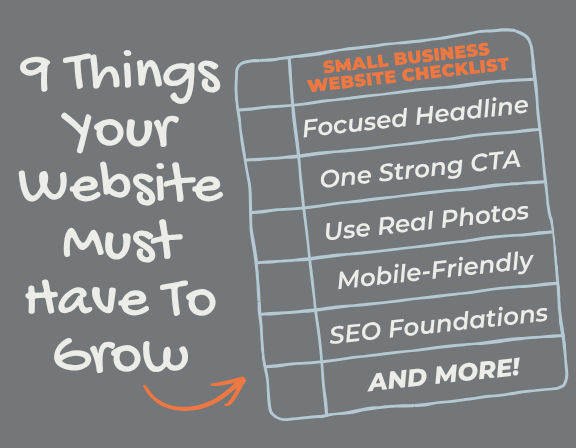


If you have a website but it isn’t bringing in leads, inquiries, or sales, you’re not alone. Most small business websites look the part but quietly fail at the one job they exist to do, convert visitors into clients. The good news is that the fixes are almost always straightforward, and this website checklist will show you exactly what to look for.
Here’s what you’ll take away from this website checklist:
- The 9 most common things missing from small business websites that are costing owners real leads every single day
- Specific, actionable steps you can take today to fix each one, no developer required for most of them
- Where to start on your website checklist: 3 quick fixes that set the foundation before tackling the rest.
Let’s get into it.
1. A Clear, Focused Homepage Headline
Your homepage has one job: make the right person feel like they’re in exactly the right place within five seconds of landing on it. If your headline says “Welcome to our website” or just your business name, you’re already losing people. A strong homepage headline answers three things immediately: who you help, what you do for them, and why it matters.
Poor homepage headline:
“Welcome to Braxten Breen Web Design”
Strong homepage headline:
“Helping Entrepreneurs Build Websites That Turn Visitors Into Paying Clients“
The second one speaks directly to a specific person with a specific problem. That’s the difference between a visitor who stays and one who bounces.
2. One Single, Strong Call to Action
One page should have one goal. When a visitor lands on your site and sees five different buttons asking them to do five different things, their brain defaults to doing nothing. Decision paralysis is real, and your website is not immune to it.
Some may ask, what is a call to action? You pick one primary action you want visitors to take: whether it’s to book a call, request a quote, or browse your shop; you want to make that button impossible to miss. It should appear in your top navigation, in the center of your hero section, and at least once more as visitors scroll down the page.
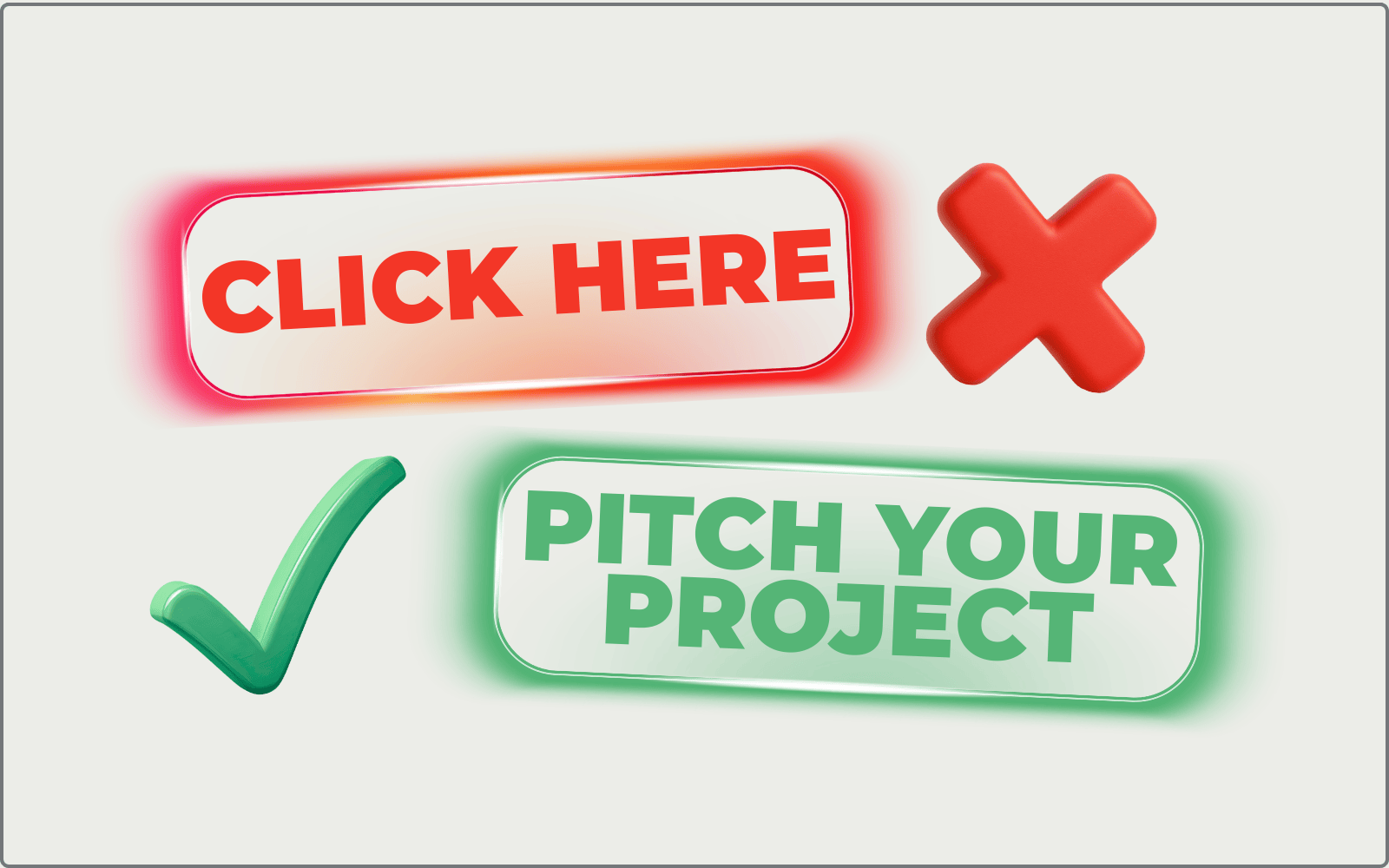
3 Common Call to Actions That Are Weak:
- “Submit”
- “Click Here”
- “Learn More”
3 Strong Call to Actions:
- “Pitch Your Project”
- “Let’s Fix My Website”
- “Claim Free Website Audit”
The more clearly you name the action, the more comfortable a visitor feels taking it.
3. A Contact Form That’s Easy to Find
This one sounds obvious until you actually click through most small business websites. If someone has to hunt for a way to reach you, most of them won’t bother. They’ll close the tab and contact whoever came up next in Google.
Your contact form should live on its own dedicated Contact page and also appear somewhere on your homepage, even a simple version with just a name, email, and one qualifying question. That’s it. Every extra field you add drops your form completion rate significantly.
The Only 5 Fields Your Contact Form Needs:
- Name (sentence field)
- Email address (sentence field)
- Why/what they are reaching out (drop down field)
- Message (paragraph field)
- How did you hear about me? (drop down field)
Keep it short, keep it functional, and make sure it sends you an instant email notification when someone submits it. A lead that sits unread for 48 hours is a lead you’ve already lost.
4. Use Real Photos Instead of Stock Images
Stock photos signal that there’s no real person behind the business. People buy from people they trust, and trust is built through authenticity, not through a perfectly lit handshake photo that your competitor is also using on their website.

Replace stock images with a genuine photo of yourself, your product or service in action, your workspace, or real results you’ve delivered for clients. You do not need an expensive photoshoot to make this work. A well-lit, in-focus iPhone photo of the real thing builds more credibility than a polished stock image every single time, because it’s real. Visitors can feel the difference even if they can’t articulate it.
5. Social Proof That Answers the Unspoken Question
Before anyone contacts you, they’re silently asking: “Can I actually trust these people?” Your website needs to answer that question high on the page, before they have to scroll for it.
Social proof comes in several forms and the most effective websites use more than one. A star rating pulled from your Google reviews, a specific one-line client testimonial, a real result like “Over 80 small businesses served” or “12 years in business,” or a recognizable logo from a past client or press mention — all of these signal credibility in different ways.
The key word is specific. “Great service!” means almost nothing to a stranger. “We booked 14 new clients in the first month after our website launched” means everything, because it’s a real result a prospective client can picture for themselves.
6. A Fully Mobile-Friendly Website Design
More than 65% of your website visitors are reading it on a phone right now. If your site is clunky, slow, or hard to navigate on mobile, the majority of your traffic is having a poor experience, and most of them will leave without telling you.
Is Your Website Mobile Friendly? Check These 5 Things!
- Does your headline fit the screen without cutting off?
- Is your call-to-action button easy to tap with a thumb?
- Is your phone number clickable so someone can call you in one tap?
- Do your pages load in under three seconds?
- Can you read your content without pinching to zoom?
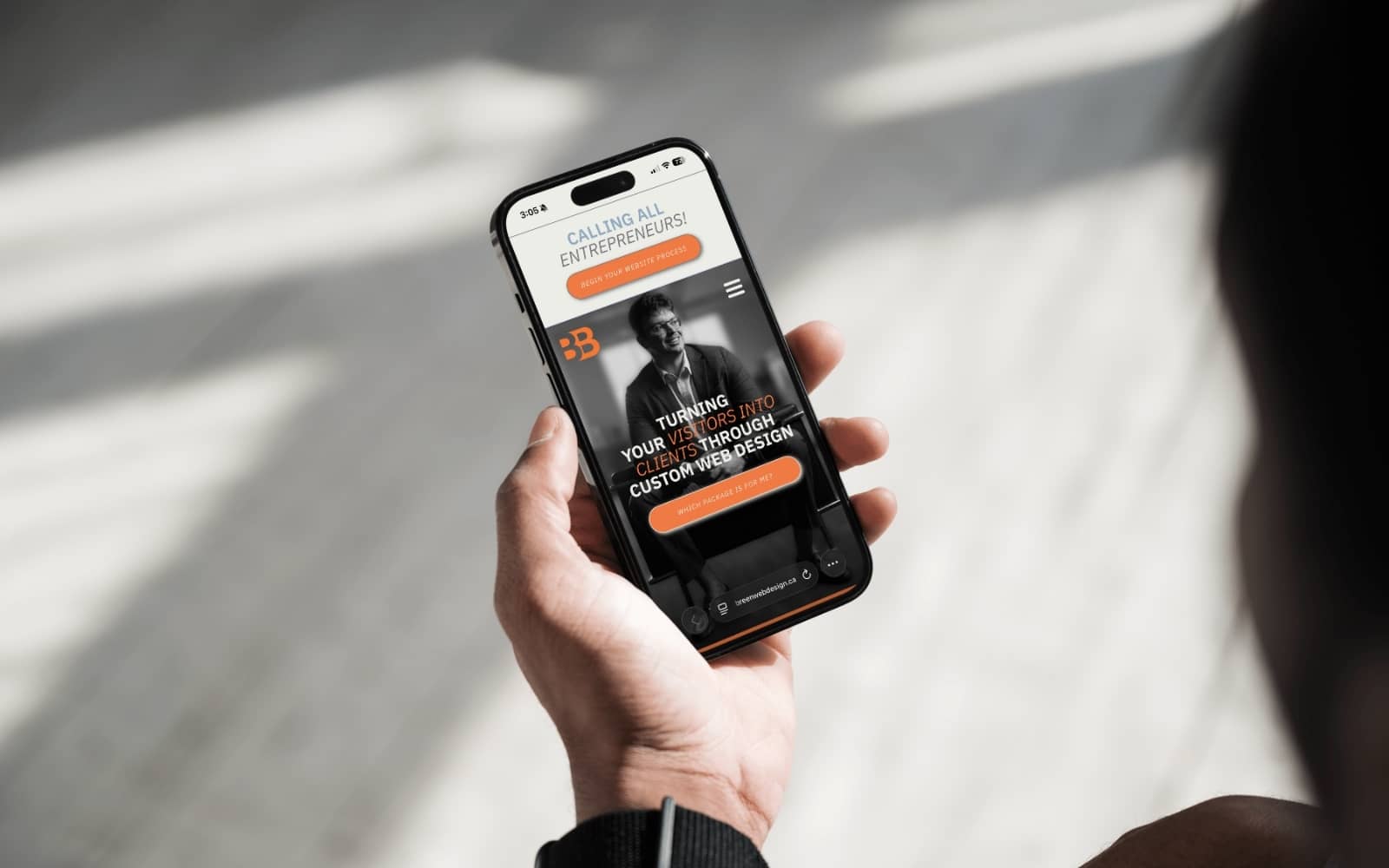
If anything feels even slightly annoying, your visitors felt it too. They just didn’t tell you. They left.
7. Did You Connect to Google Search Console?
Google Search Console is free, takes about ten minutes to set up, and tells you exactly how your website is performing in search results. If you don’t have it connected, you could have errors on your site right now that are actively pushing you down in Google rankings — and you’d have no way of knowing.
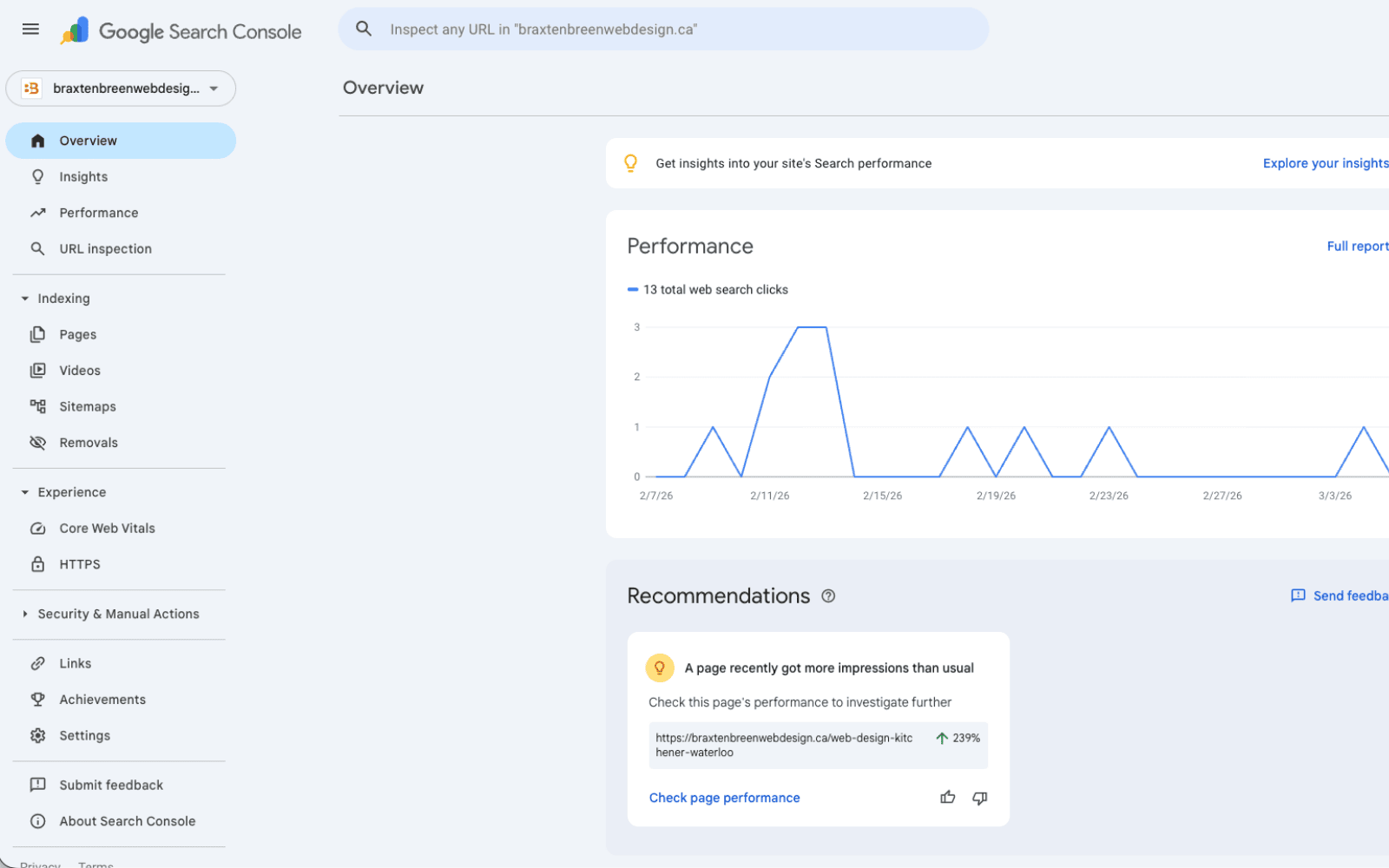
Once it’s connected, Search Console shows you which search terms people are using to find your site, which pages Google is indexing, any crawl errors affecting your visibility, and how your click-through rates compare to your impressions. This is the data that tells you whether your SEO efforts are working and where to focus next. Set it up before you do anything else with your SEO.
8. Did You Connect to Google Analytics?
You cannot improve what you cannot measure, and Google Analytics gives you the measurement layer your website needs to be a real business tool rather than a digital brochure.
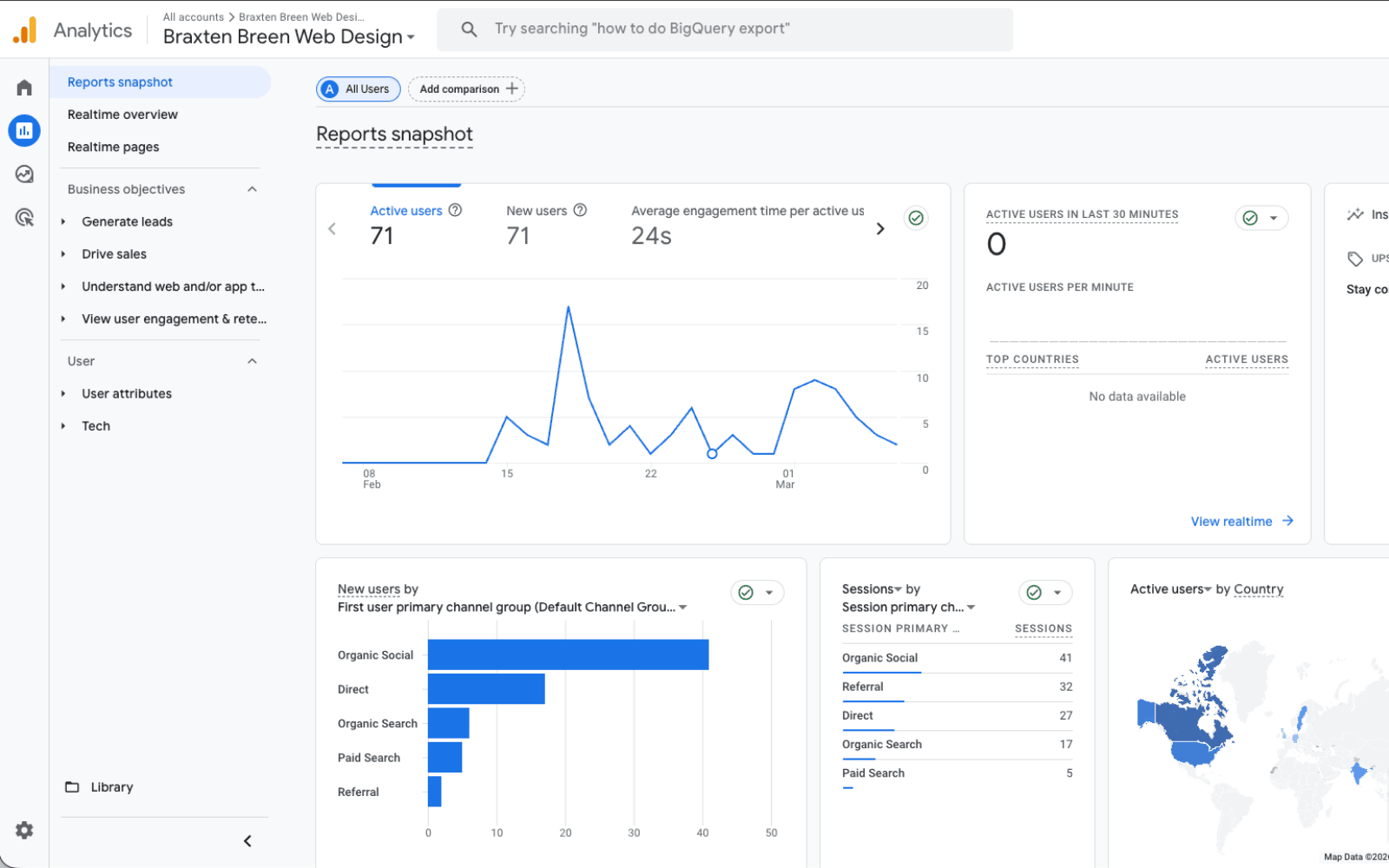
Analytics tells you how many people visit your site, which pages they spend the most time on, where your traffic is coming from, and where people drop off and leave. If you find out that 80% of visitors leave your homepage without clicking anything, that’s a signal your headline or call-to-action needs work. If your Contact page has a high drop-off rate, your form might be too long. Without this data, every decision you make about your website is a guess. With it, every decision is informed.
9. Basic SEO Foundations in Place
You don’t need to be an SEO (Search Engine Optimization) expert to rank on Google. You do need the basics done correctly — and most small business websites don’t even have those. The good news is that getting the fundamentals in place is straightforward and makes a measurable difference.
Every page on your site should have a unique title tag and meta description that includes your primary service and location where relevant. Your homepage headline and body copy should mention your city and what you do naturally, not stuffed awkwardly, just present. Your images should have alt text that describes what’s shown. Your site should load quickly, because Google actively rewards fast sites and penalizes slow ones. And your Google Business Profile should be fully completed and connected to your website.
These aren’t advanced tactics. They’re the table stakes that every small business website needs before more sophisticated SEO work makes any sense.
Your Website Checklist Action Plan: Where to Start
Having worked with small business owners on their websites, the pattern I see most often isn’t that people don’t care about their website, it’s that they don’t know what they don’t know. A site can look completely professional on the surface and still be quietly failing at almost every one of these nine points underneath.
The most important shift in thinking I’d encourage you to make is this: your website is not a brochure, it’s a salesperson. A brochure sits on a shelf and waits to be picked up. A salesperson actively earns attention, builds trust, answers objections, and guides someone toward a decision. Every element on this website checklist exists to turn your site from a passive brochure into an active salesperson that works for you around the clock.
If you went through this list and feel unsure where to begin, don’t try to fix everything at once. Start here:
- Rewrite your homepage headline
- Connect Google Search Console
- Do the mobile test
These 3 steps cost nothing and can be done today. Once those are in place, work through the rest of the website checklist one point at a time, small, consistent improvements compound quickly into a website that genuinely works for your business.


